
Overlays
Guide for adding data overlays to ExposomeMap-PM
This page offers step-by-step instructions on uploading a custom data overlay to ExposomeMap-PM on the MINERVA platform, covering file preparation and upload process. A general guide to the MINERVA Platform is available at https://minerva.pages.uni.lu.
Step 1. Create an account
To create an account, please contact the MINERVA team at minerva@uni.lu. Optionally, you can use your ORCID ID to create an account. Normally your new account will be activated within 24 hours.
To login, click the icon in the top-left corner.
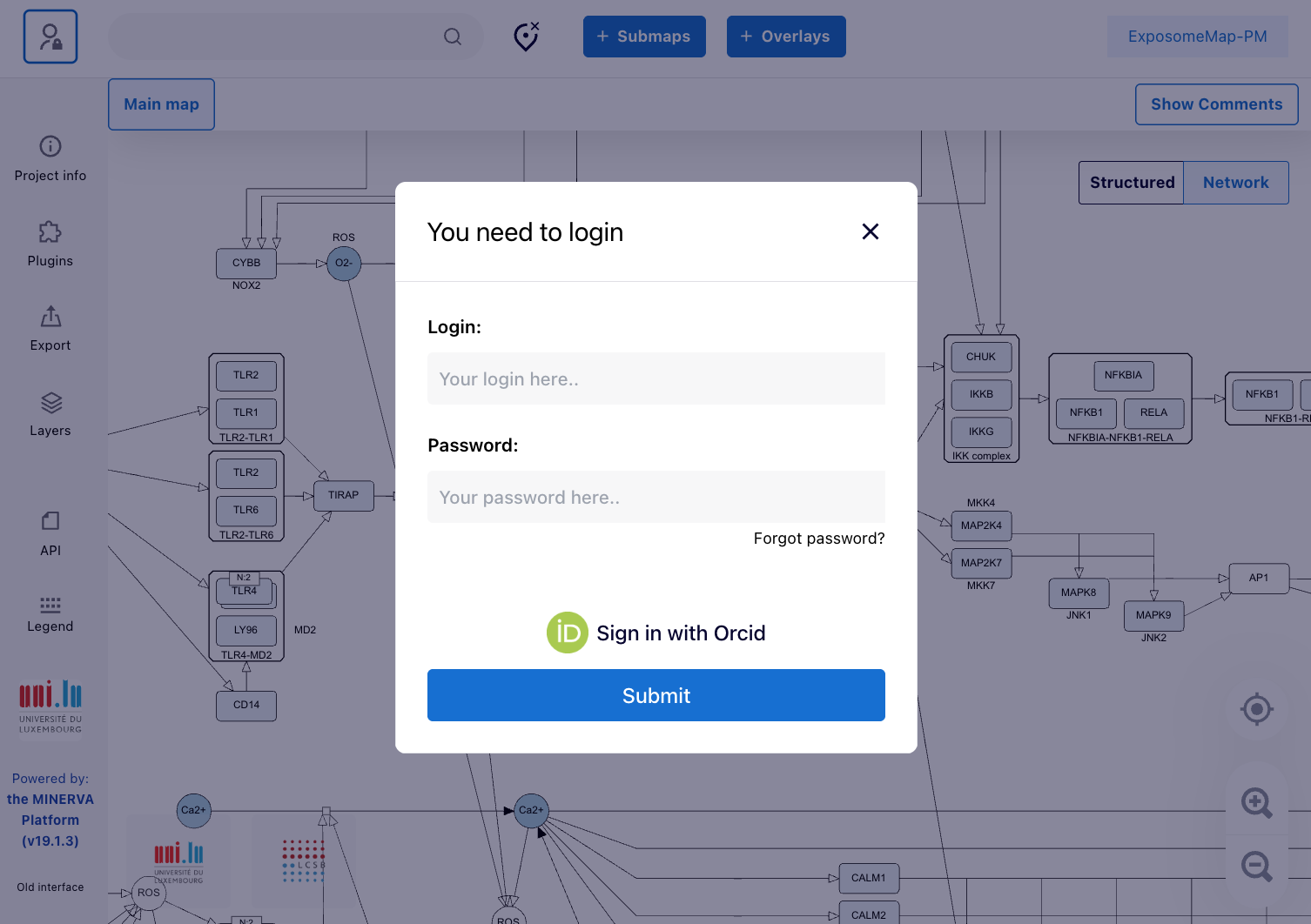
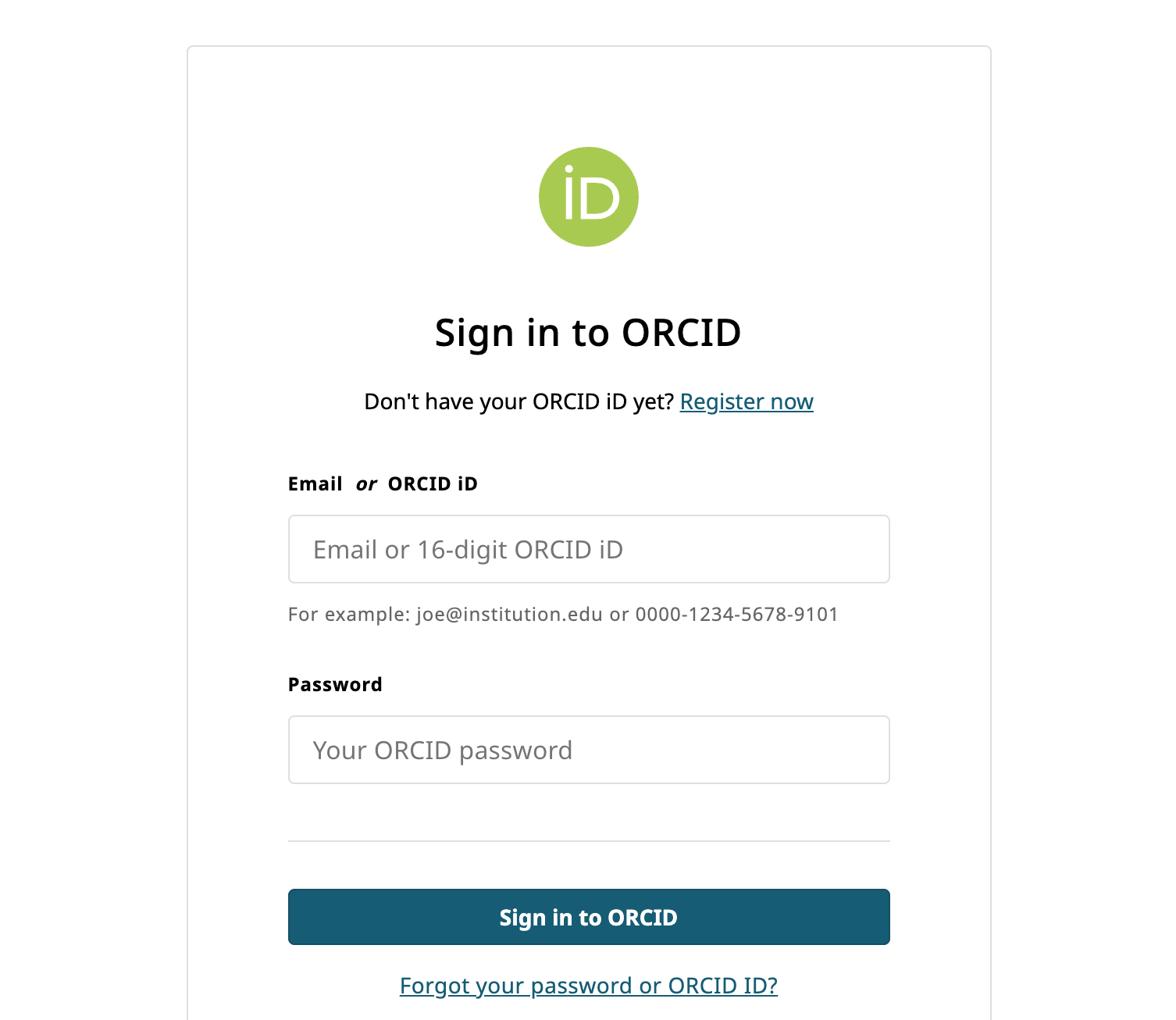
Next, sign in via ORCID and submit.
Step 2. Prepare data file
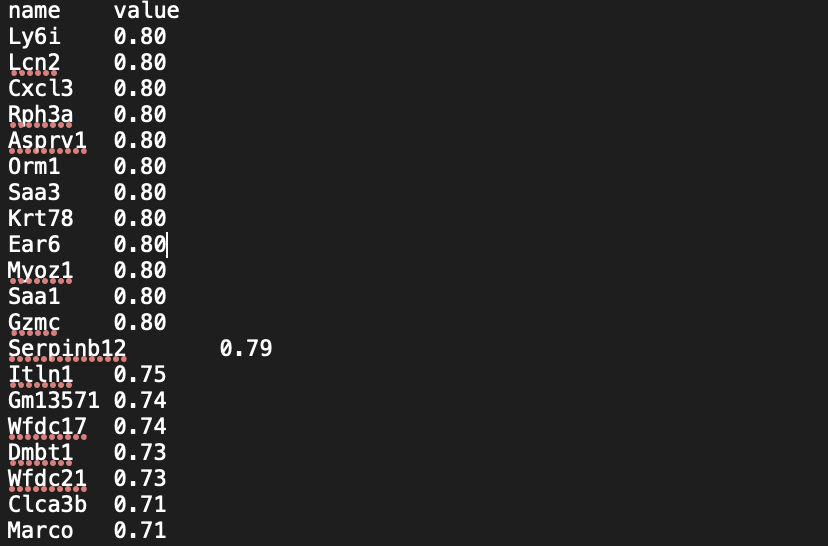
The data file should be in txt format and consist of two columns “name” and “value”, where “name” column inludes protein/RNA/gene names as in HUGO Gene Nomenclature Committee and “value” column countains values from -1 to 1.
Step 3. Upload data file to overlays
Click the blue “Overlays” button on the top-middle of the screen. Click “Add overlay”.
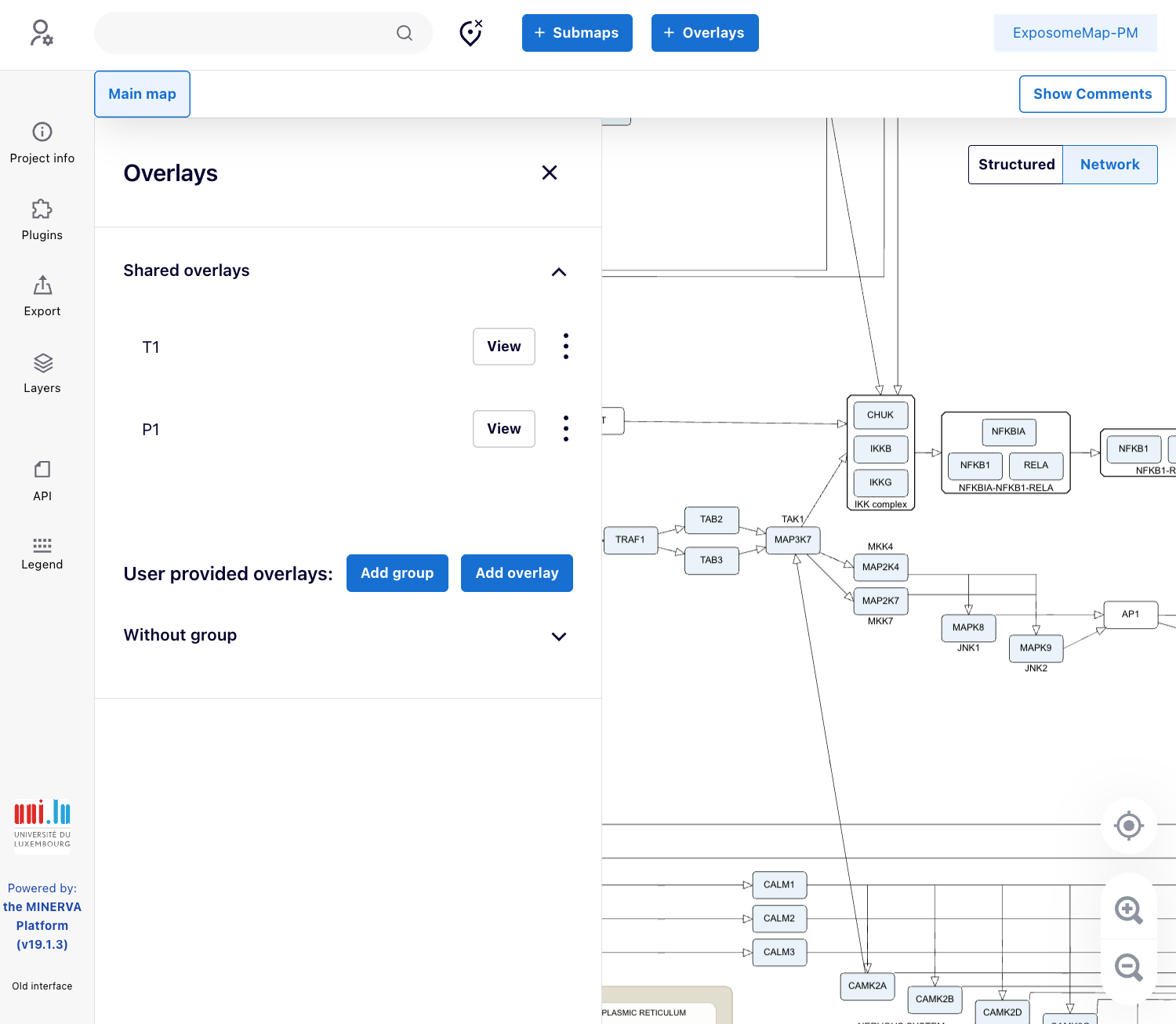
In the next tab, chose your file and create file name.
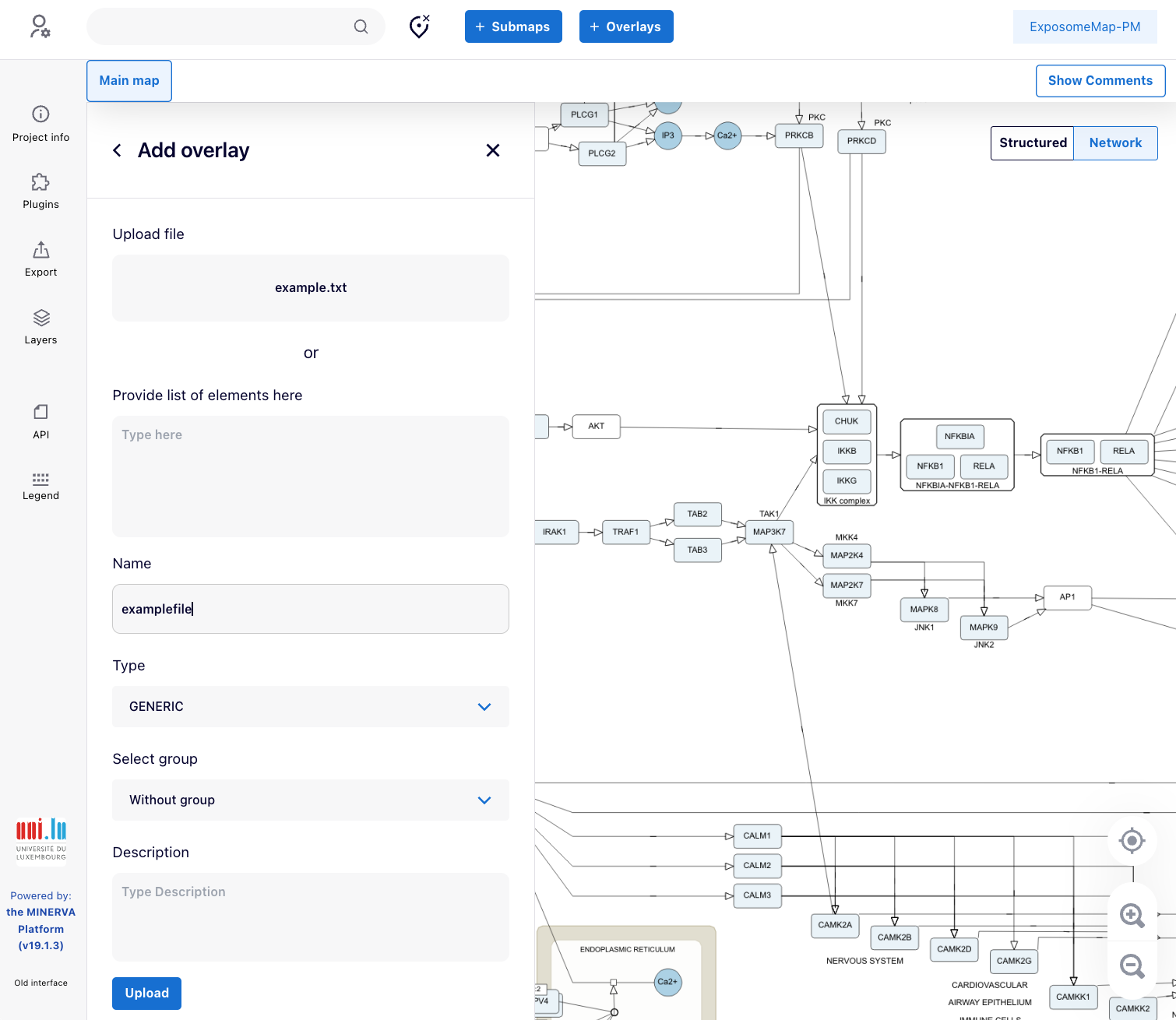
Successfuly uploaded file will be visible as a new overlay.
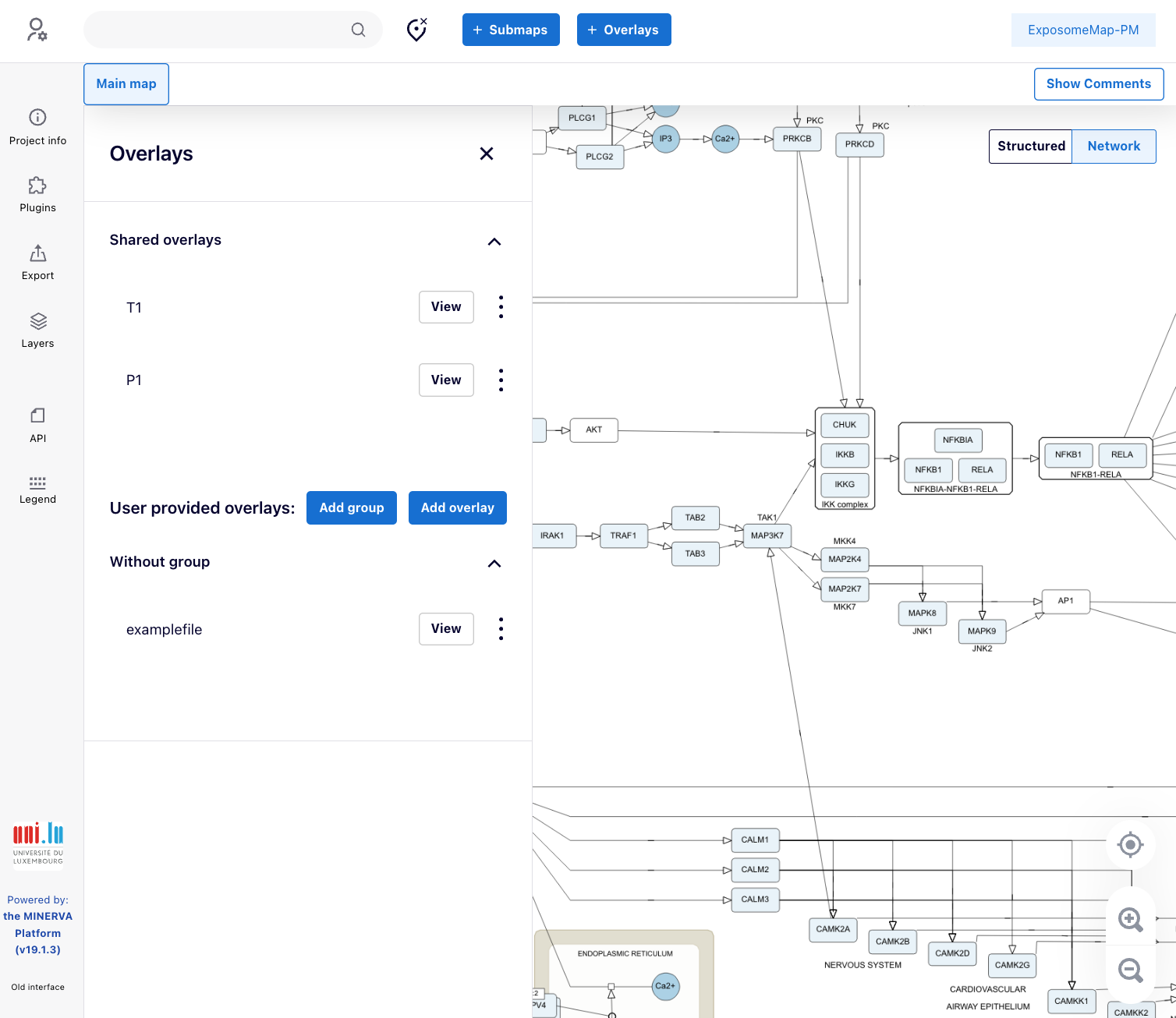
Now it is possible to see the dataset on the map by chosing the corresponding overlay.
Optionally, this overlay can be made public.
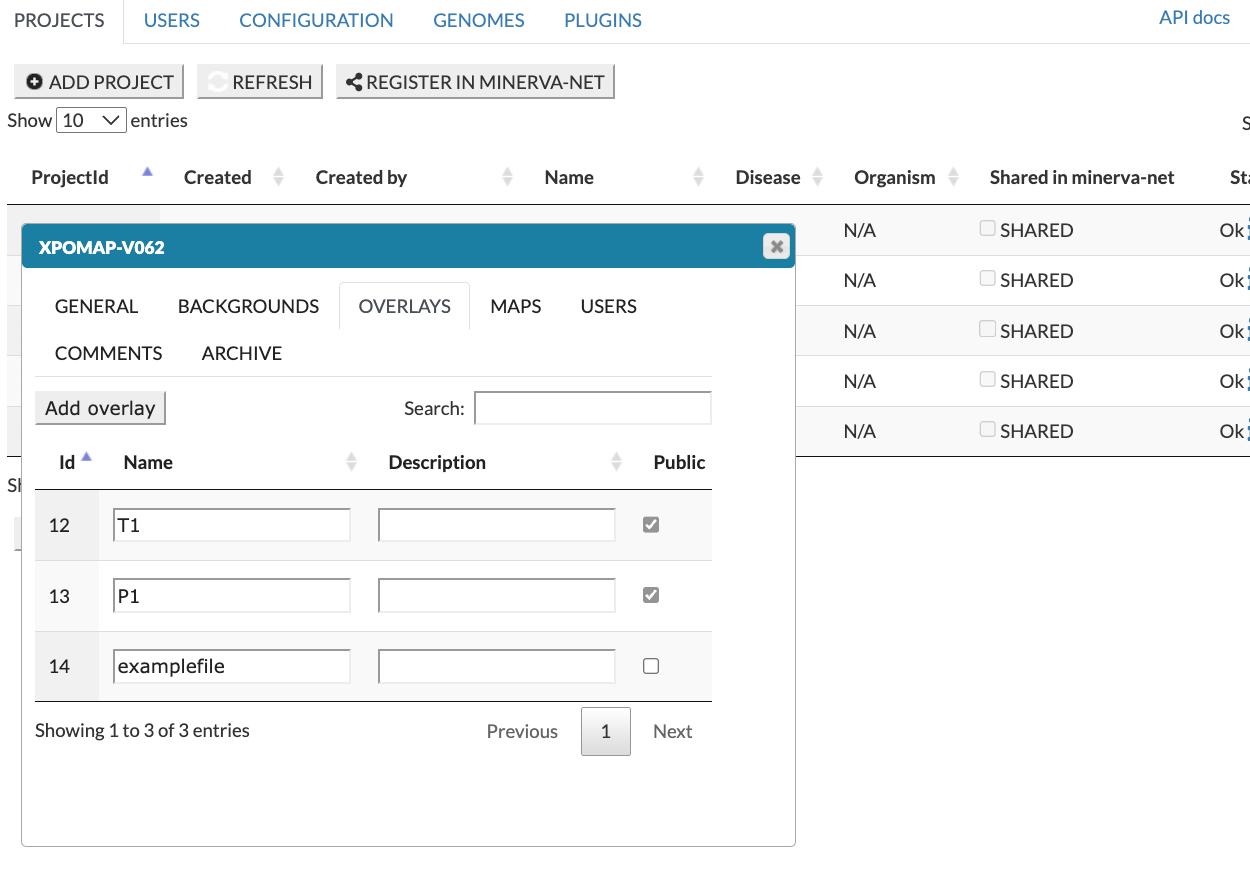
More information to data upload is available in the MINERVA User’s Manual.